01 / PAYMENT LINKS
Agree on a price.
Send a link.
Create an invoice and share it in a message or email. Your customer opens the payment page and pays from a compatible wallet.
Create your API key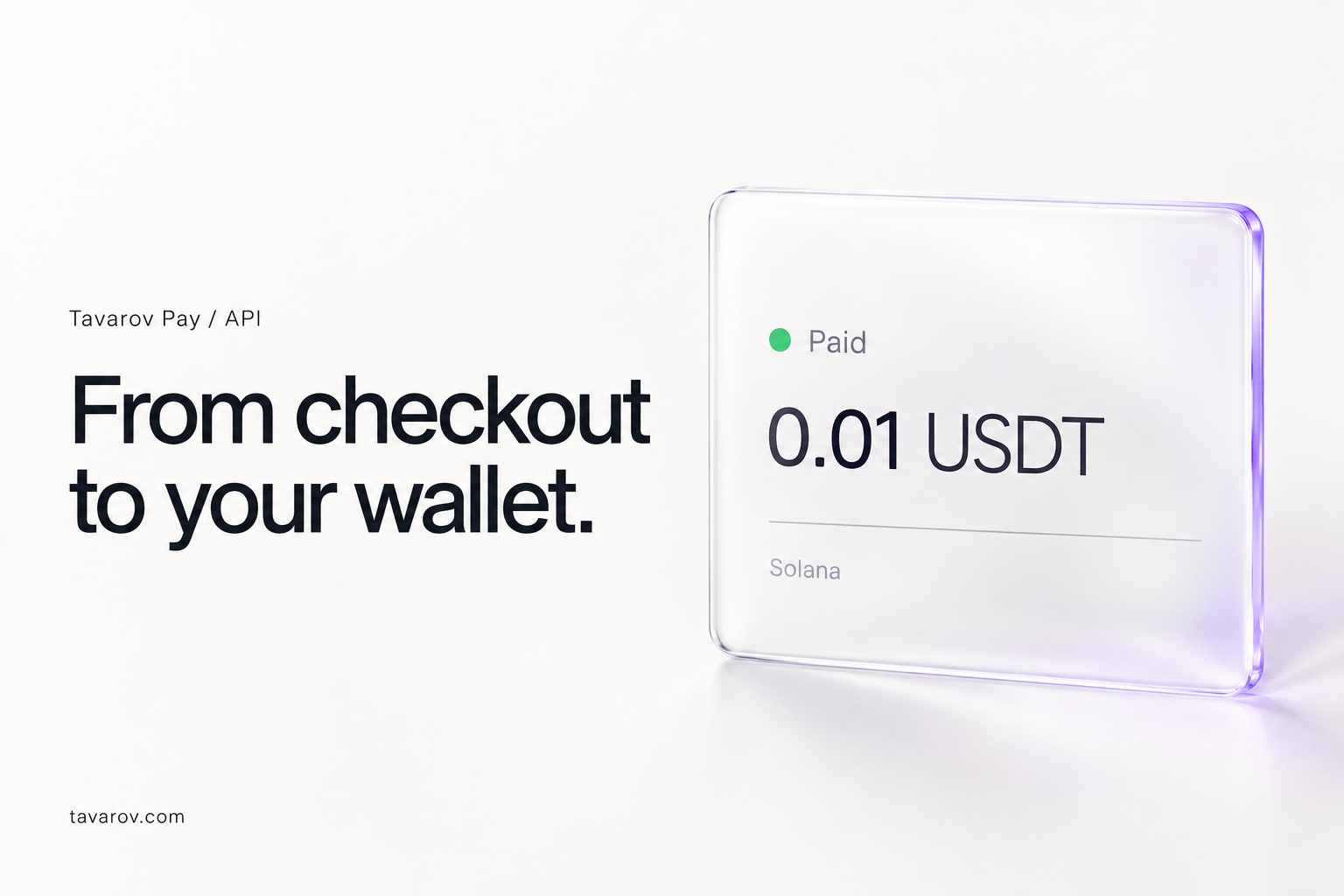 Brand illustration
TAVAROV PAY
Accept USDT and USDC straight into your own wallet.
Online, in person, or with a simple payment link.
USDT & USDC · Four networks
A link when you need one.
A plugin for your store.
An API when you want to build.
01 / PAYMENT LINKS
Create an invoice and share it in a message or email. Your customer opens the payment page and pays from a compatible wallet.
Create your API keyBrand illustration02 / WEB CASHIER
Enter an amount and show the QR code. Open the cashier in your browser on Mac or Windows; no installation needed.
Open the cashier Tavarov Pay
New payment · Solana
25.00 USDC03 / WOOCOMMERCE
Add Tavarov Pay as a payment option with our WordPress plugin. Configure your API key and webhook in the store settings.
Get the pluginCheckout · example order
$25.00Pay with USDT / USDCChoose your network and pay from a compatible wallet.
04 / DEVELOPERS
Create invoices through the API. Send customers to the payment page and receive signed payment webhooks.
Explore API & dashboard{
"amount": "25.00",
"currency": "USDC",
"order_id": "order-1042"
}Example request · API key requiredSTART WITH OUR WALLET.
NoN Wallet gives you a straightforward route into the merchant dashboard. Get your API key, then connect your store or cashier.
Open NoN WalletAlready using MetaMask? Sign in directly
Create or open your wallet. Save your recovery phrase somewhere safe.
Choose “Accept payments on a website (API)”, then “Open dashboard”.
Use it in the cashier, WooCommerce settings, or your own server integration. Keep the key private.
NoN Wallet, MetaMask, Trust Wallet, Phantom, and other compatible wallets. Customers do not have to install NoN Wallet to pay you.
REAL PAYMENT. REAL FOOTAGE.
A real 0.07 USDT payment on Solana. From the payment request to the receipt, recorded in the app.
SIMPLE PRICING.
No monthly subscription.
Funds go to your wallet, without a withdrawal request.
Current service fee: 1%. On EVM networks, the contract owner can change it up to 2%. USDT and USDC availability depends on the network; Base supports USDC. Confirmation times depend on the network and confirmation requirements. Contracts have not been independently audited.
No. Customers can pay with a compatible wallet for their selected network. NoN Wallet is our own option; it is not a required download for customers.
Open NoN Wallet → Payments → Accept payments on a website (API) → Open dashboard. Create the key there. The dashboard also supports MetaMask sign-in.
Payments route to the merchant’s wallet, with the service fee split in the payment transaction. There is no Tavarov Pay balance to withdraw from.
The merchant is responsible for refunds. Supported on-chain refund methods and network fees depend on the network and payment route. The service fee is not automatically returned. See the terms and integration guide.
Open in your browser on Mac or Windows. Or download the Windows app.
Windows 10 or later · Version 1.0.5 · Unsigned preview. Windows may show a security warning.